frevvo v10.2 is no longer supported. Please visit frevvoLatest for our current Cloud Release. Earlier documentation is available too.
Server Configuration
- Former user (Deleted)
- Megan Ellis
The admin superuser can display the server configuration by clicking the Server Configuration link.

On This Page:
Version Information
There are several ways to find the version information. The version and the first 7 characters of the revision number are displayed in the footer of any page.

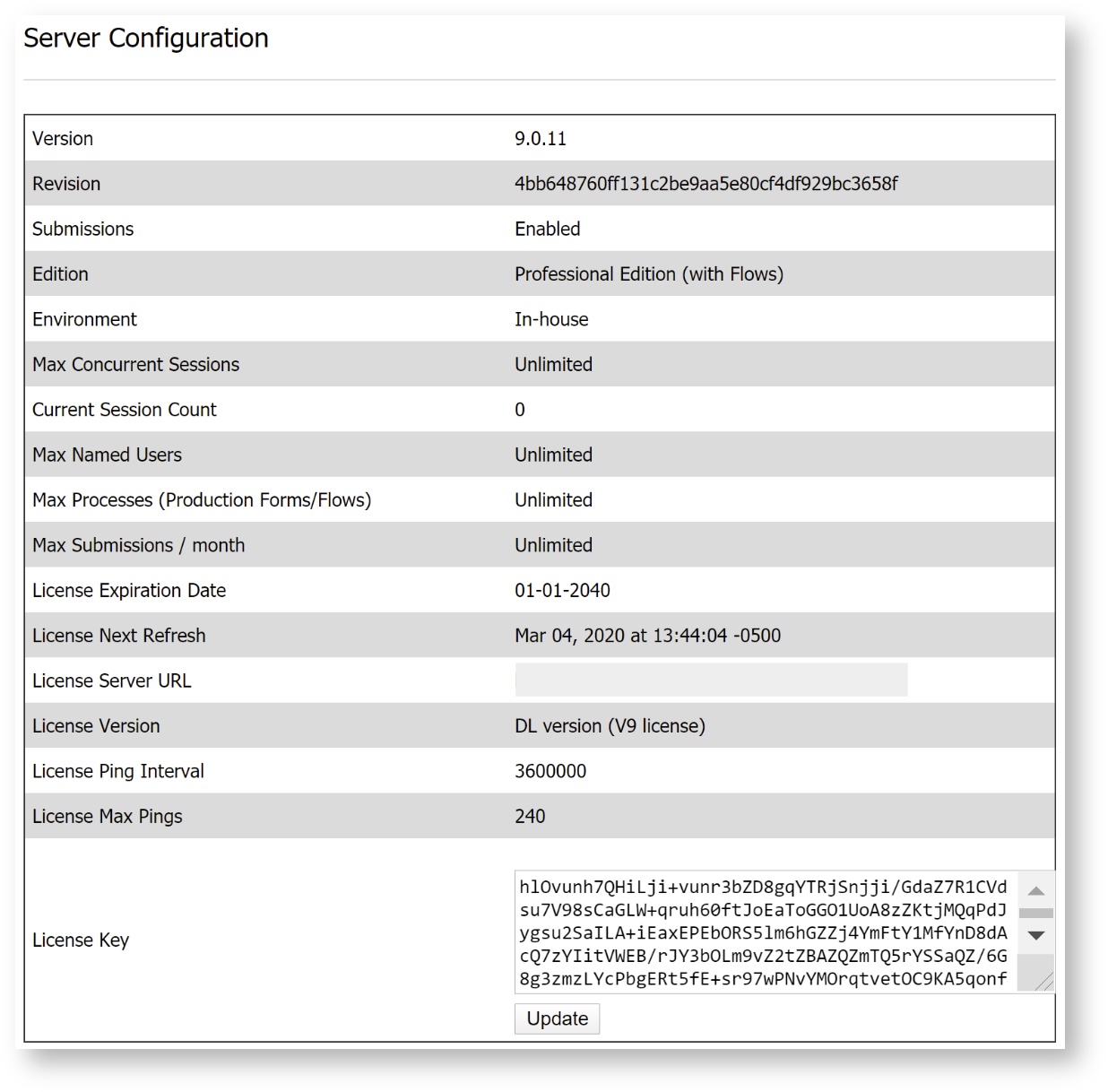
The admin superuser can view the Server Configuration page which displays the version and build of your server and the settings for the number of users, forms and workflows, and submissions your server supports, as well as information about your
license.
Finally, anyone with access to the server software installation directory can look in the MANIFEST.MF file for the
version and the full revision number.
If is not running, open the <frevvo-home>\frevvo/tomcat/webapps/frevvo.war as a zipfile. View the file META-INF\MANIFEST.MF file.
If is running, navigate to the <frevvo-home>\tomcat\webapps\frevvo\META-INF directory and view the MANIFEST.MF. file.
Look for the following lines in that file:
Manifest-Version: 1.0
Implementation-Title: Forms - UI
Implementation-Revision: 1f1c820ddeba01f4f559225714dae7d7411fbd84
Implementation-Version: 7.4.4